My Windows PC started showing disk errors, slow boot times, and a few files won’t open anymore. I ran CHKDSK, but I’m still worried the drive may be failing. I’m looking for paid disk repair software that’s reliable for HDD/SSD repair, bad sectors, and data recovery before I replace the drive.
I’d be skeptical of any list that says it has the single “best hard drive repair software.” That phrase gets used for a bunch of different problems, and the right tool depends on what actually went wrong.
Before picking software, figure out what you’re dealing with. Missing files or a drive that turned RAW is more of a data recovery situation. A missing partition or a drive showing as unallocated usually points toward partition repair. If the disk is slow, freezing, or showing bad sectors, check the drive health first. And if it’s clicking, grinding, or randomly disconnecting, stop messing with it as much as you can and focus on getting the data off.
For a practical toolkit, I’d look at these:
Disk Drill is usually the first one I’d reach for when the files matter. It’s built around recovering data, so it makes sense for deleted files, formatted drives, RAW partitions, corrupted file systems, and external hard drives Windows refuses to open. It also has S.M.A.R.T. monitoring and can create a byte-to-byte image, which is a lot safer than repeatedly scanning a drive that may be failing.
SeaTools is good when you’re trying to figure out if the issue is the drive itself or just software corruption. It’s free and can run short or long diagnostics, so it’s useful for spotting signs of hardware failure.
TestDisk is one of the better free options if the partition table or boot sector is the problem. If Windows suddenly sees the drive as unallocated, or a partition just vanishes, this is worth checking. The downside is that it’s text-based, so it’s not the friendliest tool if you’ve never used it before.
Clonezilla makes sense when the drive is still readable but clearly acting worse over time. In that case, cloning the disk or making an image first is often smarter than trying random fixes directly on the original drive.
CrystalDiskInfo is worth keeping around even when nothing is wrong. It watches S.M.A.R.T. data, temperature, and other health indicators that can give you an early warning before Windows starts throwing errors.
Victoria HDD/SSD is more advanced, but it’s useful for surface scans and checking bad sectors in more detail. I wouldn’t make it the first recommendation for a beginner, but it’s a solid tool if you know what you’re looking at.
The big thing is not to waste hours trying “repair” tools on a drive that’s physically dying. If it clicks, drops out of Windows or BIOS, freezes during transfers, or keeps gaining new bad sectors, recover or back up what you can and replace it. If it isn’t detected at all or it’s making obvious mechanical noises, skip the DIY route and talk to a professional recovery service. Software can help with logical damage, but it can’t fix broken heads, motors, or platters.
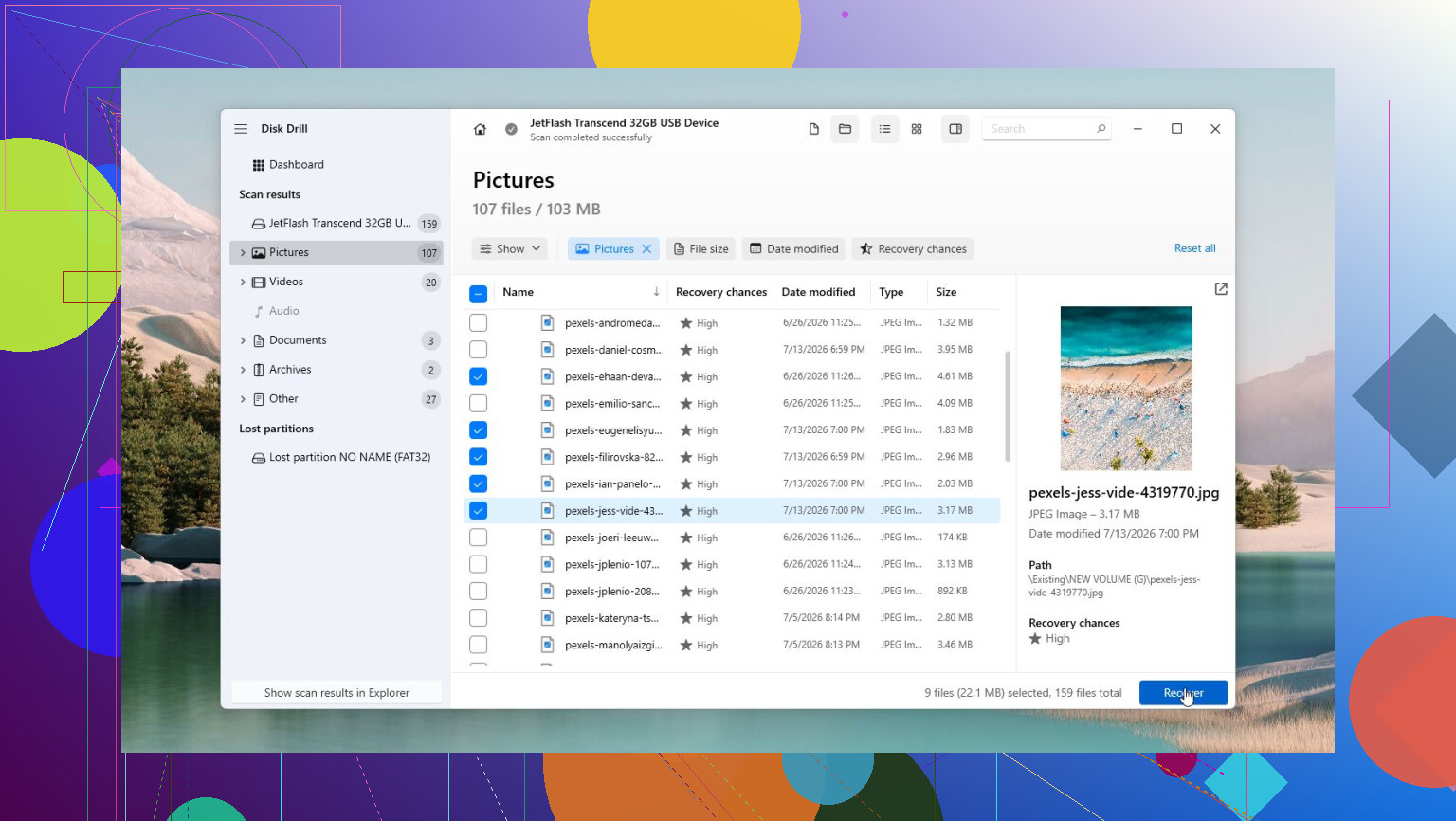
1 Like
Don’t pay for any “repair” tool until you’ve copied the files you care about to another drive. Paid software like Disk Drill can be worth it if your goal is recovering data, but I wouldn’t spend money expecting software to make a failing disk trustworthy again. Once a drive starts throwing errors and slowing boot, replacement is usually the real fix.
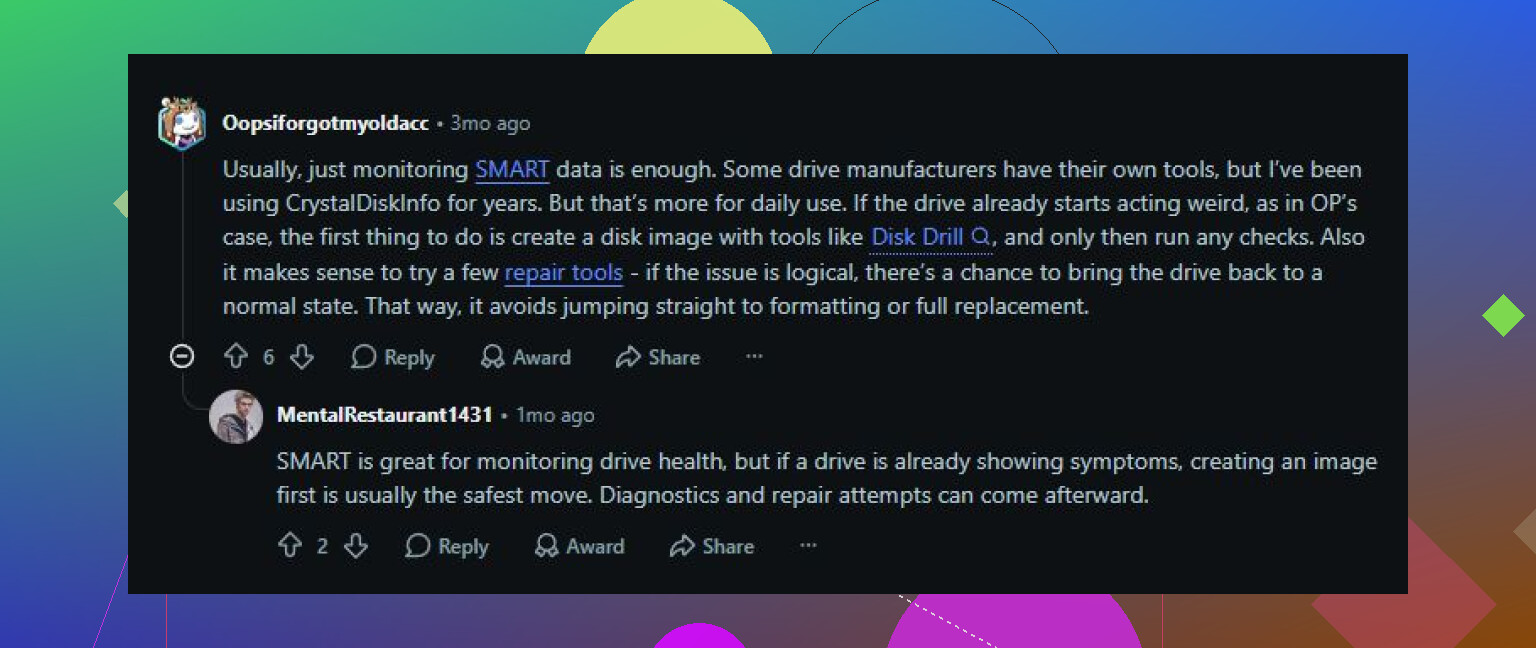
Don’t run defrag, “bad sector repair,” or write-heavy cleanup tools on that drive right now. If the disk is already slow and files are failing to open, every extra pass can make recovery harder. A paid tool like Disk Drill is worth considering only after you’ve copied or imaged the drive, and only if you’re trying to recover files, not make the drive dependable again. For actual repair, I’d spend the money on a replacement drive first. Then use recovery software on the old one as little as possible, preferably from an image, and treat anything it recovers as a bonus rather than proof the disk is fixed.
If the drive is still under warranty, run the maker’s diagnostic and save the failure code before paying for anything. Disk Drill may be worth buying for file recovery, but I wouldn’t let any tool “fix” the file system until the important stuff is copied somewhere else first.