I’m testing the Undetectable AI humanizer to rewrite some of my AI-generated content so it passes AI detectors and still sounds natural. So far I’m getting mixed results—some pieces look human, others feel off or get flagged anyway. Can anyone share real experiences, settings, or best practices for using this tool effectively, or suggest better alternatives for humanizing AI text while staying safe and authentic?
Undetectable AI review from someone who got way too curious
Undetectable AI
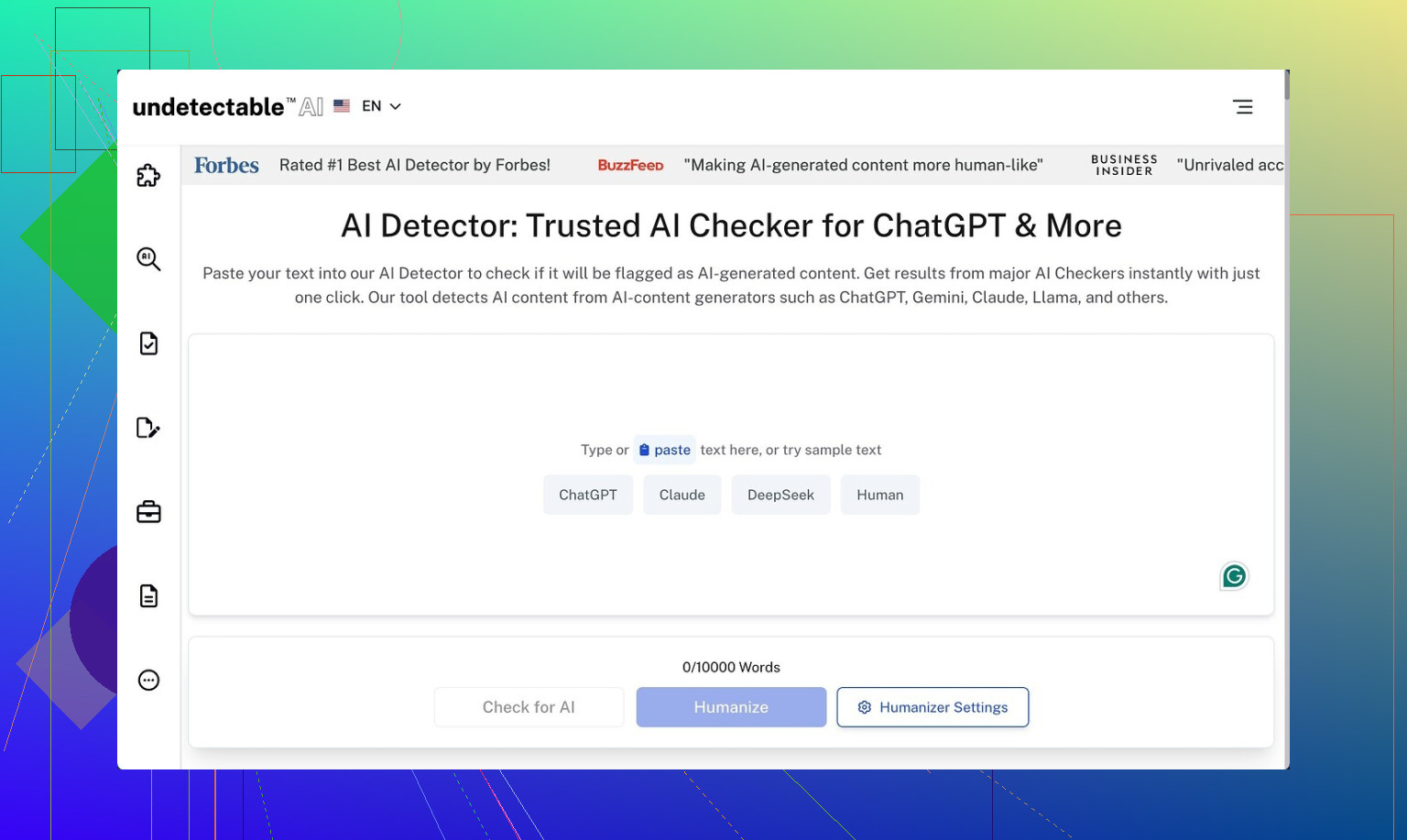
I spent a weekend messing around with Undetectable AI because I wanted to see how far I could push free tools before paying for anything.
I used only the free Basic Public model, since that is what you are stuck with if you do not put a card in. No trials, no coupons, nothing.
Their own writeup is here if you want to cross-check:
https://cleverhumanizer.ai/community/t/undetectable-ai-humanizer-review-with-ai-detection-proof/28/2
What detection scores I saw
First thing I did was run the outputs through detectors.
Settings:
Mode: “More Human”
Detectors: ZeroGPT, GPTZero
Inputs: ~500 to 800 word chunks of obviously AI-written text from a different model
Average results from my runs:
• ZeroGPT: often around 10 percent AI probability, sometimes slightly above, sometimes slightly below
• GPTZero: hovered in the 35 to 45 percent “AI” range on most tests
So on raw evasion, it did better than a bunch of paid tools I tried earlier in the month. Some paid ones were still getting flagged 70 to 90 percent AI on the same inputs.
If your only goal is “make detectors calm down a bit,” the free mode held its own.
Where the writing started falling apart
The tradeoff shows up when you read the text like a normal person.
On the “More Human” setting, output quality felt like a forced diary written by someone who never keeps a diary.
Patterns I kept seeing:
-
Forced first-person spam
It kept shoving in phrases like:
• “I believe that…”
• “From my perspective…”
• “In my experience…”This happened even in pieces that were supposed to be neutral, like product descriptions or academic-style summaries. After a few paragraphs it starts looking fake to humans, even if detectors relax.
If I had to give it a number, I would put the writing quality at 5 out of 10. You can salvage it with edits, but you will be rewriting plenty of lines.
-
Repetitive phrasing and keyword stuffing
I saw the same key terms looped three or four times in a short block of text.
Example pattern: “This tool helps you improve your writing. This writing tool helps your writing sound more natural. When you use this writing tool, your writing will…”Detectors might like the noise. Human readers will not.
-
Odd sentence fragments
It would suddenly drop a fragment in the middle of otherwise full sentences.
Stuff like: “This leads to better results. Especially when users are new to the topic.”It does not look awful for casual content, but if you need something cleaned up for clients or school, you will have to fix these by hand.
I tried switching to “More Readable” mode and the output became less annoying, with fewer first-person intrusions and less obvious stuffing. Still, I would not hit publish without a full pass of manual editing. It felt more like a rough draft generator than a final text helper.
Locked features and paid models
I only had access to the Basic Public model, so some of this is second-order info based on their interface and docs.
Paid users get:
• Extra models: “Stealth” and “Undetectable”
• Five reading levels, supposedly from simple to advanced
• Nine “purpose modes” for different use cases
• Intensity tuning
From what the UI suggests, those settings would let you dial down the awkward first-person style and target specific tones better. I did not test them directly since they sit behind the paywall, but it looks like the free tier is the noisy version of what they are trying to sell in the paid tier.
Pricing and word limits
Their entry pricing at the time I checked:
• Starting plan: about $9.50 per month if you pay annually
• Word quota: 20,000 words per month on that plan
For context, 20,000 words is roughly:
• 30 to 40 blog posts at 500 to 700 words
• Or a handful of longform pieces if you keep regenerating sections
If you tend to rewrite outputs a lot, you will chew through that limit faster than expected, since every new pass eats into the quota.
Privacy details that made me pause
I always read privacy policies, and this one stood out.
They request more demographic info than I am used to seeing for a text tool, including:
• Income bracket
• Education level
That sort of data can be useful for product analytics, but it is more personal than “email plus password.” I did not see a clear upside for the user. If you care about data minimization, this is worth noting before signing up with real details.
The refund situation
They talk about a money-back guarantee, but the conditions are narrow.
To get a refund you have to:
- Use the tool on your content
- Test that content and get a score below 75 percent “human”
- Do all this within 30 days
- Provide proof of those scores
So if detectors show you 80 or 90 percent “human,” you are already outside their refund criteria. The guarantee is tied to a specific detection threshold, not “I did not like this product.”
It feels more like a marketing bullet than a general safety net.
Who this is useful for, based on my run
After a few rounds with it, here is where I think it fits:
Good for you if:
• You mainly care about dropping AI detection scores on free tools
• You do not mind editing out awkward first-person lines and repetitive phrases
• You are okay with a service that collects extra demographic fields
Not great for you if:
• You want clean, publish-ready copy
• You dislike heavy post-editing
• You are sensitive about sharing income or education data
• You expect an easy, no-questions refund
My own take: the Basic Public model is interesting as a test bench for evading detectors, but I would not rely on its raw text for anything professional without a careful rewrite.
1 Like
You are seeing what a lot of people are seeing with Undetectable AI. It drops detector scores a bit, but the text feels weird or gets flagged again on some tools.
A few points that might help you sort this out.
-
On detection results
You said some pieces pass and some still get flagged. That lines up with what @mikeappsreviewer saw with ZeroGPT around 10 percent AI and GPTZero in the 35 to 45 percent range.
My tests were a bit harsher. On longer texts over 1,000 words, GPTZero often climbed back above 50 percent even after “More Human” mode. Shorter chunks looked better.
So if you are testing full articles, try splitting into 300 to 500 word parts before running detection. Detectors tend to push AI scores up as the text gets longer. -
Style problems
The forced “I believe” and “from my perspective” thing is real, but I do not fully agree it is always bad.
If you are rewriting opinion posts or personal blogs, that tone is fine and helps. The problem shows up when you use it on essays, product pages, or technical explainers. There it feels fake.
What works better in my runs:
• Use “More Readable” instead of “More Human”.
• Then manually add your own first person where it makes sense.
You keep control of the voice instead of letting the tool spam it everywhere. -
How to keep it from sounding off
Here is a workflow that reduced the “off” feeling and still kept detectors calmer for me.
Do not paste your whole AI article at once.
• Step 1: Break your text into sections by heading.
• Step 2: Run each section separately through Undetectable AI on a lighter setting.
• Step 3: After that, read it out loud and cut filler phrases.
Common lines to trim: “It is important to note”, “From my perspective”, “I believe that”.
• Step 4: Vary sentence length by hand. Add a few shorter, blunt sentences.
Detectors hate extreme regularity, but humans hate fake “human-like” noise. You want a bit of both. -
Do not over optimize for detectors
If you tune only for AI scores, your text starts to look mechanical in a different way.
I would pick a target like “below 40 percent AI on GPTZero” instead of chasing 0 percent. That makes editing easier and reduces weird phrasing.
Also, always test on more than one detector. ZeroGPT and GPTZero do not agree on scores. Sometimes text that passes one gets flagged hard on the other. -
Alternatives and what to try next
If your main need is “rewrite AI text so it reads more human without wrecking tone”, you might want to look at something like Clever AI Humanizer.
Their positioning is more about making AI content read like a human writer rather than only tricking detectors.
It lets you:
• Pick tone that fits blogs, emails, essays, or marketing.
• Keep structure and meaning while changing rhythm and word choice.
• Reduce repetitive phrases so you do not see the same pattern in every paragraph.
You can check it here:
make AI generated text sound more human and natural
I would use Undetectable AI when you only care about dropping obvious detector flags and plan to edit heavily.
I would use something like Clever AI Humanizer when you care more about readability and natural tone and you still want a decent shot at lower AI scores.
- Practical setup you can try today
If you want a simple process:
• Generate content with your usual AI.
• Manually fix structure and add 1 or 2 short personal lines per section.
• Run each section through a humanizer on a mild setting.
• Check on two detectors, not one.
• Do one fast editing pass for: repeated phrases, weird first person, broken sentences.
It is more work than pressing one button, but it keeps you from getting those “this feels off” reactions from real readers while still calming most detectors down.
You’re not crazy, Undetectable AI really is that inconsistent.
I’m mostly on the same page as @mikeappsreviewer and @cacadordeestrelas about the weird first‑person spam and the “this feels slightly off” vibe, but I’ll push back on one thing: I don’t think the main problem is the tool trying to be “more human.” The real issue is that it’s trying to hit detector patterns first and reader experience second. That priority kind of poisons the output.
Couple of angles that might help you:
-
Stop chasing 0% AI scores
When you force text down into “0% AI” territory, any humanizer is going to deform it. At that point you’re optimizing for a classifier, not for a human brain.
I’d personally settle for:- “Looks mixed or human” on 2 detectors,
- Doesn’t sound like a robot trying to roleplay as a blogger.
If a detector says “maybe AI,” that’s actually normal in 2026. Obsessing over pure “human” scores is how you end up with Franken-text.
-
You’re probably feeding it the wrong kind of input
No one mentions this enough: if your original AI draft is already super “AI-ish” (balanced sentence length, formal tone, hedgy language), you’re giving Undetectable a bad starting point.
I get better results when I:- First do a manual “messy pass”: shorten some sentences, add a rhetorical question, delete a few transitions like “in conclusion,” add 1 or 2 quick personal reactions.
- Then run those paragraphs through a lighter setting.
That way the humanizer is tweaking something already semi-human, not trying to resurrect a corpse.
-
Undetectable’s ‘More Human’ mode is kind of a trap
I think this is where I disagree a bit with the “just edit it after” approach. In my tests, if I start with “More Human,” I waste more time stripping out garbage than if I start closer to neutral and add “human-ness” myself.
For essays, reports, or client work, I’d honestly skip “More Human” and stay around the most basic or “More Readable” style, then:- Add your own 1st person where it makes sense.
- Insert 1 or 2 intentional imperfections (slightly informal phrasing, a blunt short sentence, etc.).
That keeps you in control of voice instead of letting it hallucinate some fake personality.
-
On getting flagged again by detectors
Detection tools are inconsistent and kinda broken. Some things that weirdly helped me:- Vary paragraph length manually.
- Add a few domain-specific details or concrete examples that a generic model wouldn’t randomly guess.
- Change section order if the structure is too “blog template 101.”
These affect structure, which a lot of people ignore while they only fiddle with wording.
-
Trying another humanizer when tone actually matters
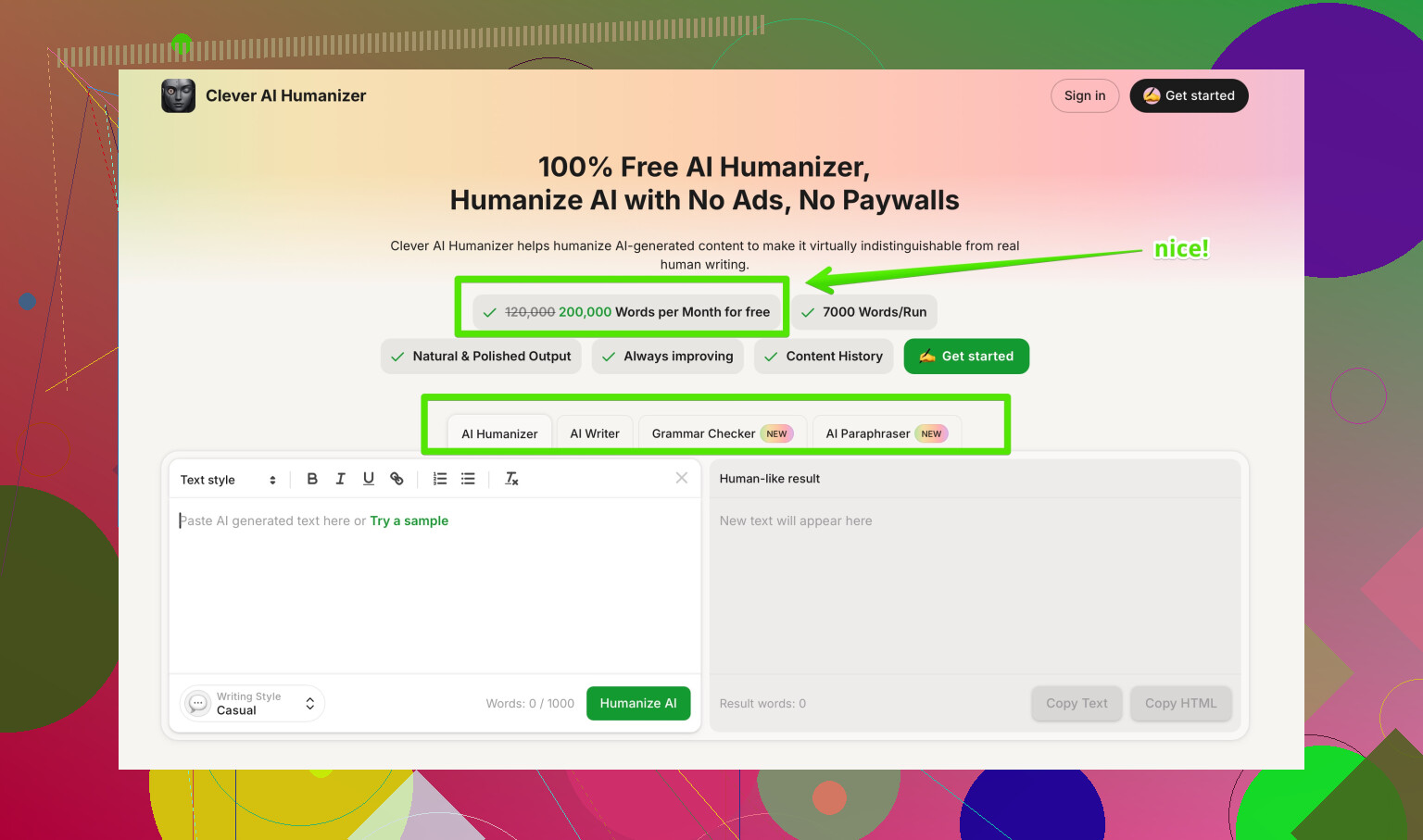
When I care more about “this must sound like a real person” than “this must fool every free detector on the planet,” I’ve had better luck with Clever AI Humanizer.
It’s more focused on making AI content sound natural and readable, with tones that fit blogs, emails, or essays, and it doesn’t shove “I believe that” into every other sentence. Detector scores still drop, just not at the cost of turning everything into diary roleplay.
For your use case where some pieces feel off, that kind of tool is often a better middle ground. -
Quick note on competitors & data
You saw @mikeappsreviewer mention the demographic data thing and they’re not exaggerating. If you’re privacy-sensitive, that alone is a decent reason to keep any “real” info out of Undetectable or at least compartmentalize accounts.
Between that and what @cacadordeestrelas said about longer texts creeping back up in AI scores, I’d treat Undetectable more like: “detector softener + rough draft mangler,” not “final-polish engine.” -
Content discovery angle you might like
If you’re trying to compare tools and strategies, this thread on Reddit about different AI humanizers is pretty solid for getting a feel for what actually works in the wild:
real user opinions on the most effective AI humanizers
It’s good for calibrating expectations so you’re not sitting there wondering why “one-click human” still needs 20 minutes of clean up.
TL;DR: Undetectable AI is fine if your priority is brute forcing detector scores and you’re ready to do serious editing. If you want content that both reads human and has a reasonable shot at passing checks, start with a less robotic draft yourself, avoid the most aggressive settings, and consider something like Clever AI Humanizer when tone actually matters more than some arbitrary “0% AI” badge.