I accidentally deleted important files from my exFAT external hard drive and haven’t written anything new to it yet. I need help figuring out the safest way to recover the deleted files without making things worse. What recovery tools or steps work best for an exFAT hard drive?
If this is an exFAT external drive and the folder was deleted recently, stop using the drive right away. Deleted files usually aren’t wiped instantly. A lot of the time the space is just marked as available, so recovery depends heavily on whether anything new has been written to that drive since then.
The big things to avoid are:
- Don’t save or copy anything new to the external drive.
- Don’t format it, even if Windows pops up and suggests it.
- Don’t run CHKDSK before you’ve tried to recover the files.
- Don’t install recovery tools onto the same drive you’re trying to recover from.
I’d also rule out the simple stuff first, because sometimes Windows is just being weird or the files are hidden.
- Use Windows Search to look for the missing folder or file names.
- Turn on Show hidden files in File Explorer.
- Open Disk Management and check that the drive shows up with the right size and looks normal.
If the files really were deleted, Disk Drill worked well for me in a similar situation with family photos on an exFAT external drive. I installed it on my computer, not the external drive, then connected the drive after that.
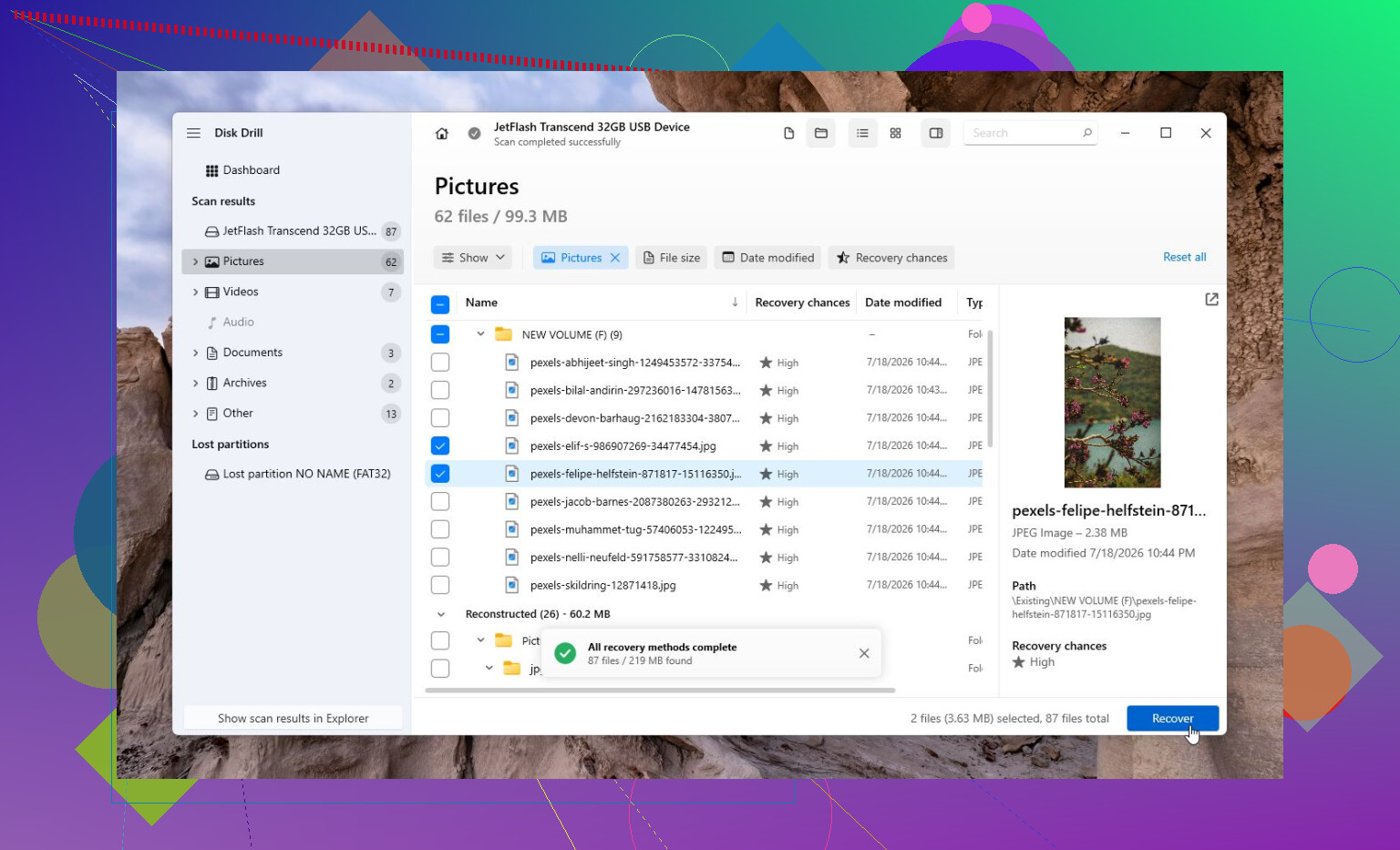
Because I wasn’t totally sure the drive was healthy, I made a disk image first and scanned that instead of scanning the original drive directly. Then I selected the image, ran Universal Scan, waited it out, previewed the files, and recovered them to a different drive.
On Windows, Disk Drill gives you 100 MB of free recovery, so you can at least confirm whether the files are recoverable before paying for anything.
If the missing files are camera or drone videos, there’s also Advanced Camera Recovery (ACR). That’s meant for fragmented video files, which normal scans can miss.
If Disk Drill doesn’t pick anything up, TestDisk is worth looking at too, especially if the exFAT partition itself is damaged. It’s free, but it’s much less friendly and really more for people who are comfortable with technical tools.
One place I wouldn’t keep experimenting is if the drive seems physically bad. Clicking noises, random disconnects, not showing up on multiple computers, or showing the wrong capacity are all signs to stop. At that point software can make things worse, and a recovery lab is safer. Many labs will evaluate it for free, but actual recovery can run from a few hundred dollars to over $1,000 depending on what’s wrong. For family photos or important documents, that may still be the better call.
1 Like
Do not recover the files back onto that same external drive, even if the recovery program makes it look convenient. Save recovered files to your internal drive or another external disk, because writing recovered data onto the source drive can overwrite the next files you were hoping to get back. @mikeappsreviewer covered the main safety stuff, but the missing detail is the drive type: if this is an external SSD or flash-based drive, TRIM/garbage collection may already have wiped some deleted data, even without you manually copying anything new. If it is a regular spinning hard drive, your odds are usually better. Disk Drill is fine to try, but preview files first and recover only to a different disk. If the files preview corrupted or with weird sizes, stop doing repeated scans and make an image before more attempts.
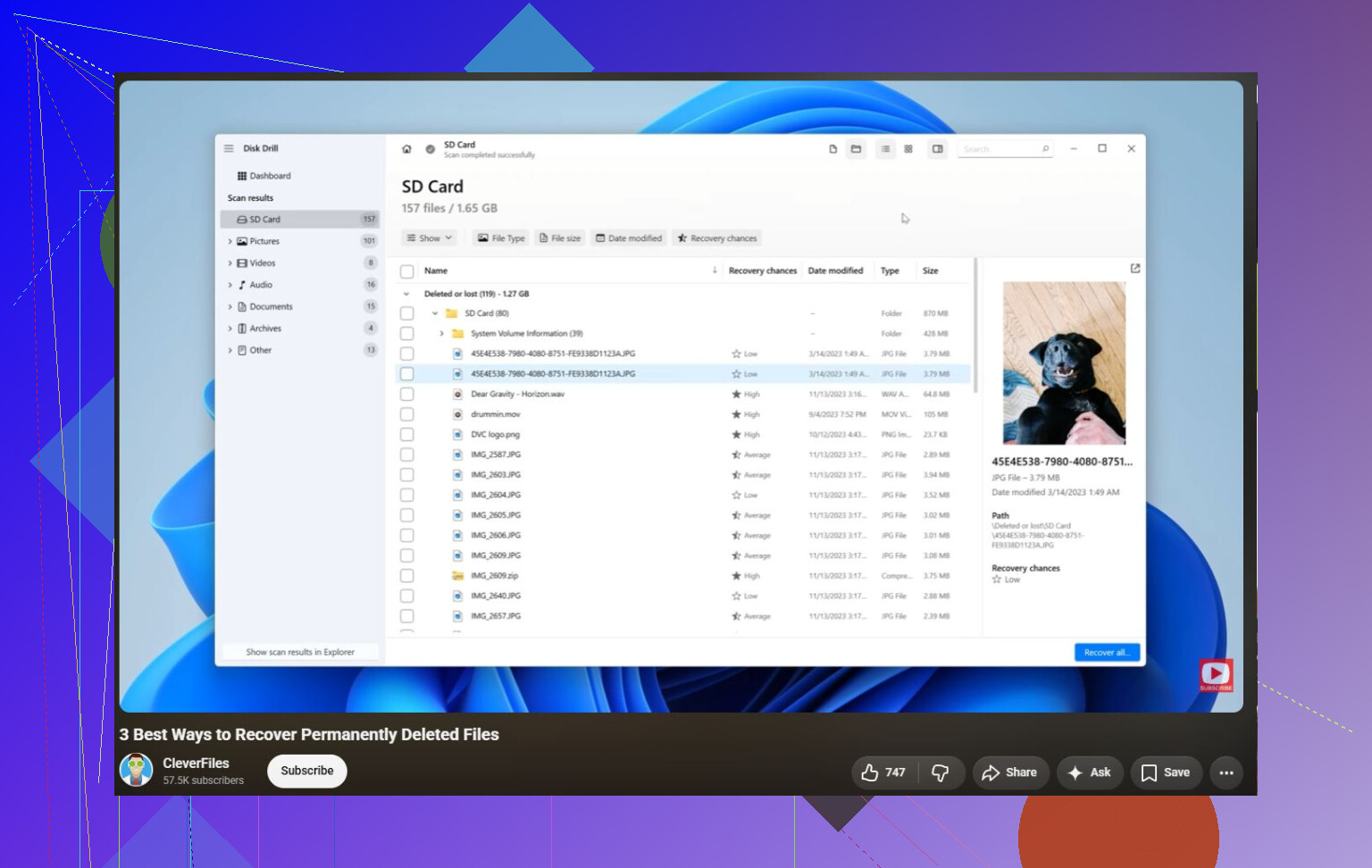
Expect some of it back, not necessarily the folder exactly as it looked before. With exFAT, recovery tools may find the file contents but lose the original names, dates, or folder layout, especially if they fall back to a deep/raw scan. So when you run Disk Drill or any similar tool, don’t just hit “recover everything” right away. First look for results that show the original folder structure or deleted file names, preview a few important files, and recover a small sample to another disk to confirm they actually open. If all you see is thousands of “file0001.jpg” type results, that may still be usable, but sorting it later can be a pain.
Don’t let any “repair” prompt touch the drive, even if it looks harmless. Cancel it, unplug the disk, and only reconnect it when you’re ready to scan or image it, because a well-meaning fix can change the exFAT directory entries and make a clean recovery harder.