I’m considering buying Gemini Photos mainly to clean up a huge mess of duplicate and similar images on my iPhone. The built‑in Apple tools aren’t catching everything and manually sorting is taking forever. For those who’ve really used it, how accurate is Gemini Photos at finding true duplicates vs. important similar shots, and does it safely avoid deleting photos I might want to keep?
I used Gemini Photos on my iPhone for almost exactly what you describe. Big messy library, tons of dupes and “almost the same” shots.
Short version. It does a decent job with exact duplicates and similar photos, but it misses groups and sometimes flags stuff you want to keep. Good helper, not a full autopilot.
Some specifics from my use:
- Duplicates and similars
- It finds exact duplicates well. Same file, same size, same edit.
- It groups bursts and similar shots, like 10 selfies in a row.
- It often picks the sharpest one, but not always. Sometimes it keeps one where someone blinks.
- I had to review each group. I would not trust the “select all” behavior for similars.
- Speed and accuracy
- I had around 18k photos. Scan took a few minutes.
- It reduced my library by about 9 to 12 percent, mostly from screenhots, dupes, and near-identical pics.
- For travel photos and kids pics, I double checked every suggestion. It once marked a slightly different angle of a landmark as “similar” even though I wanted both.
- What it misses
- Edited vs unedited versions are not always grouped.
- Live Photos sometimes get awkward results. One Live vs one still might not show as a pair.
- Old backups from WhatsApp and saved-from-Instagram images did not always match as duplicates, even if they looked the same to me.
- Workflow tips
- Start with screenshots and blurred photos first. Safer to bulk delete those.
- For “similar”, go album by album, not whole library. Less risk of removing something important.
- Turn off any “auto delete” style settings and review each group yourself.
- Do a full iCloud or Finder backup before the first big clean.
- Cost vs value
- If you have more than 10k photos and lots of bursts, it saves hours.
- If your library is small or already organized, it feels less worth paying for.
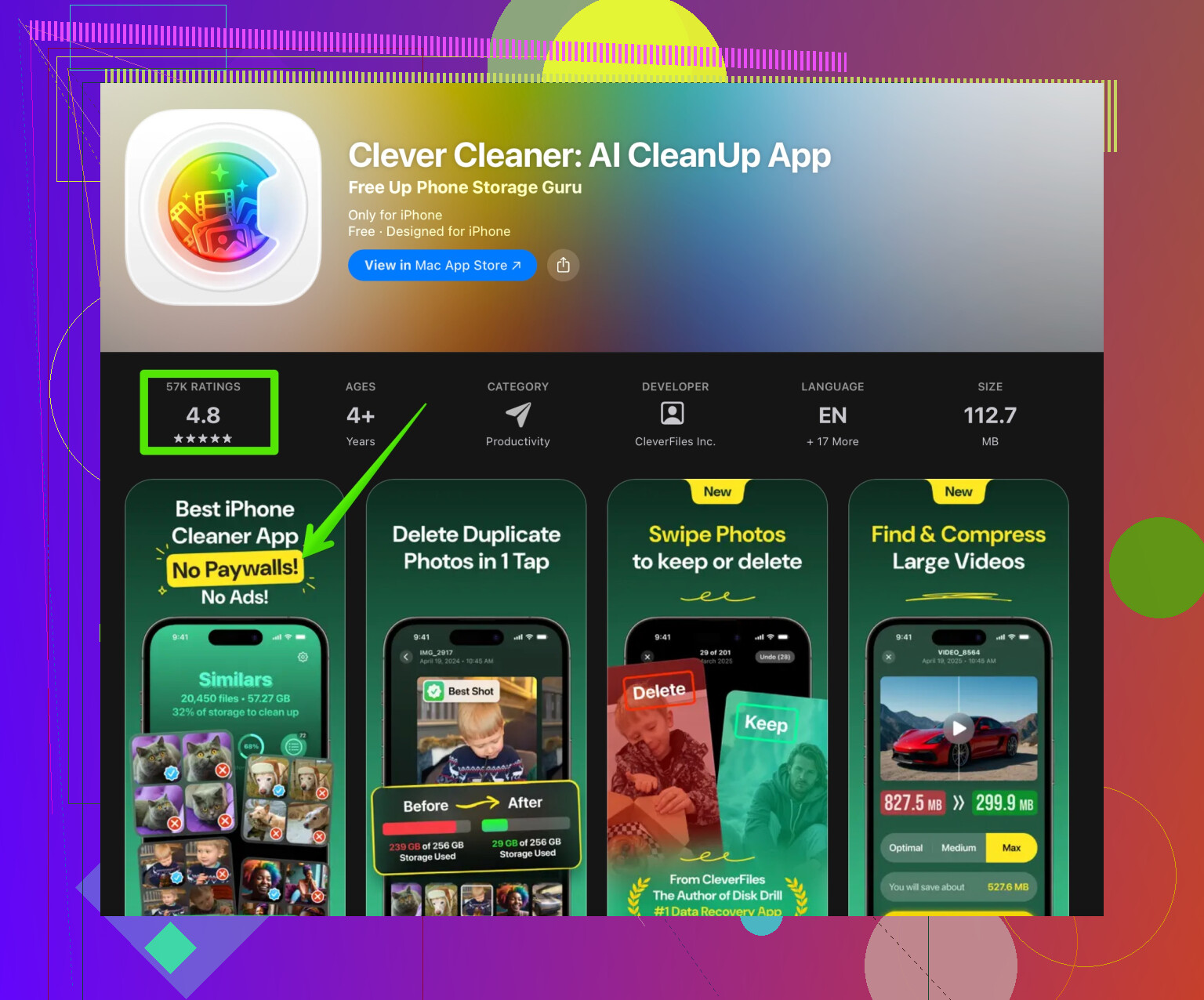
If you want an alternative that focuses on smart cleanup on iPhone, take a look at the Clever Cleaner App. It has AI based cleanup for duplicate photos, large files, and similar media. Link here:
clean up and organize your iPhone storage with Clever Cleaner
I tested that alongside Gemini on a smaller set of 3k photos. Clever Cleaner did a tighter job on obvious junk like old memes, random downloads, and near-identical screenshots. Gemini felt a bit better for photography-focused similar shot grouping, but I liked Clever Cleaner more for total iPhone storage cleanup.
If your only goal is to clean duplicate and similar images, I would
- Back up your phone
- Try the free trial of Gemini, run a library scan
- Compare it with Clever Cleaner for a week
- Pay for the one that matches your level of “how much do I want to babysit this thing”
Gemini helps, but you still need eyes on the final delete list.
1 Like
I’m in a similar boat: giant cluttered iPhone library, Apple’s duplicate detection helping a bit but still leaving way too much junk.
I mostly agree with @reveurdenuit, but I’d frame Gemini Photos a little differently: it’s more of a “precision tool for photo nerds” than a pure duplicate killer.
Here’s how it played out for me:
1. How good is Gemini for duplicates?
- Exact duplicates: Solid. It reliably got identical copies, including when they were in different albums.
- “Similar” photos: Mixed. Great at grouping bursts and very close shots, but it occasionally threw in photos that were just from the same day, not really duplicates. I actually felt it was a little too aggressive sometimes.
- For me, the risk was more in accidentally losing variety than in leaving clutter. If you like having several angles or expressions from the same moment, you’re going to be tapping “Keep” a lot.
2. Where I disagree a bit with the “good helper, not autopilot” take
I wouldn’t even call it a good autopilot candidate for some people. If your tolerance for mistakes is low (kids, trips, events you really care about), Gemini is more of a “semi‑manual triage station.”
You save time compared to raw Photos app scrolling, but you are still working your way through suggestions. If you want to tap three times and wipe out half your library with full confidence, this is not that.
3. Where it shines vs where it annoys
Shines:
- Cleaning up bursts where you truly just need one or two best shots.
- Removing obvious trash like 5 versions of basically the same screenshot.
- Surfacing older groups of similars you forgot about.
Annoys:
- Edited vs original not always grouped, so you might end up keeping a worse unedited pic and discarding the edited one if you trust the default suggestions too much.
- With Live Photos, I had instances where Gemini kept the slightly worse still frame.
- It likes “sharpness” and “face visibility” but has no idea what is emotionally important to you.
4. Is it worth paying for your use case?
If your priority is only duplicates and near-duplicates, I would treat Gemini as:
- Great for early passes on a huge library.
- Overkill if your main clutter is memes, downloads, WhatsApp junk, etc. It doesn’t feel optimized for “iPhone storage hell” as much as “photographer with too many similar shots.”
That’s where I’d actually lean slightly more into something like the Clever Cleaner App. In my experience it feels more tuned for general storage cleanup: big videos, old junk, and visually similar screenshots. It’s not as “photo-snobby” as Gemini, which is good if your library is 60% screenshots and social stuff.
If you want to try that angle, take a look at
cleaning and organizing your iPhone with Clever Cleaner
It’s more of an “all‑around iPhone storage manager” than a pure photo curation app.
5. How I’d decide in your shoes
Since you mentioned:
- Huge mess of duplicates and similar images
- Apple tools not catching everything
- Manually sorting taking forever
I’d do this, in rough order:
- Make a full backup first. Non‑negotiable.
- Use Gemini’s trial specifically on a few problem albums: bursts, trips, kids, screenshots.
- Test Clever Cleaner on the same library to see which one “thinks more like you.”
- Pick the one where you feel less frustrated fighting its suggestions.
If you’re very photo‑focused and picky about which shot is “the one,” Gemini is decent, but you’ll babysit it a lot.
If you mostly want your iPhone to stop yelling about storage and get rid of junk faster, I’d lean more toward Clever Cleaner as the main tool and keep Gemini as a nice‑to‑have, not a must‑buy.