I accidentally deleted important files and emptied the Recycle Bin before realizing I still needed them. I’m looking for the best data recovery software for deleted files that actually works on Windows and can recover documents, photos, and videos without making things worse. I need help choosing a safe, reliable option as soon as possible.
I’ve run through a pile of recovery apps over the years, way more than I wanted to. Most of them land in one of two camps. Either they’re built for admins and forensic folks, or they look friendly until the recovery gets messy and then they fall apart.
After using a bunch of them on real dead-moments, missing photos, wiped USB sticks, broken partitions, stuff like that, Disk Drill is still the one I point most people to first.
What kept me there was the balance. It doesn’t bury you in jargon, and it doesn’t act dumb either. I had no trouble starting scans, sorting results, or checking recoverable files without digging through some weird old interface from 2009. At the same time, the scan quality held up better than I expected on deleted files, formatted drives, corrupted flash media, RAW partitions, SD cards, external disks, and camera storage.
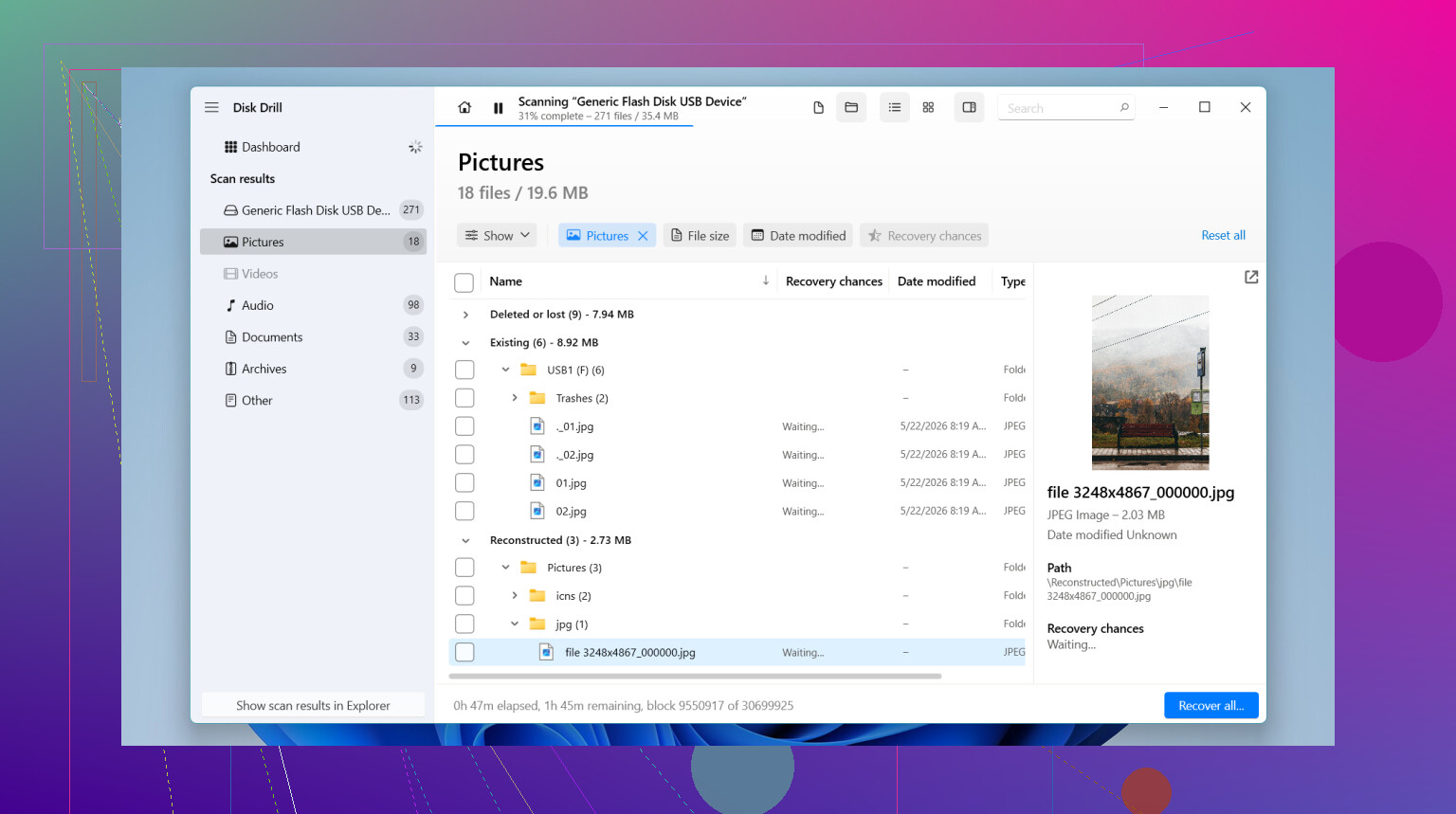
The preview part matters more than people think. On a lot of recovery tools, you don’t know if the file is usable until after the long wait. Here, I could usually open photos, inspect documents, and check whether videos still had any life in them before doing the full recovery. That saved me a lot of wasted time. It also includes byte-to-byte backup, which I lean on when a drive starts acting weird. I’d rather clone first and scan the image than keep hitting the original disk over and over. On Windows, there’s also 100 MB of free recovery.
A few other tools still deserve a mention, since some of them do better in narrower cases.
-
UFS Explorer
If you’re dealing with RAID, Linux file systems, NAS boxes, damaged partitions, or storage setups with too many moving parts, this one is hard to ignore. I used it on uglier jobs where simpler apps gave me nothing useful. The tradeoff is the interface. It’s dense, technical, and easy to misread if you don’t already know what you’re looking at. -
GetDataBack
Old software, old look, still decent. I’ve seen it pull back folder trees and filenames on NTFS and FAT volumes better than newer tools with cleaner design. It feels dated, yeah, but I wouldn’t write it off. -
Windows File Recovery
This is Microsoft’s own tool, and it’s free. The catch is you run it from Command Prompt, which turns a lot of people off fast. For plain file deletion and simpler NTFS cases, it does the job. I still found Disk Drill easier to live with, though.
If you’re trying to recover files right now, stop using the drive first. Seriously. In most cases the deleted data isn’t wiped right away. The system marks the space as available, and the next write operation starts putting new data on top of the old stuff. Downloads, installs, updates, copied files, all of it raises the odds of permanent overwrite.
And don’t install recovery software onto the same drive you’re trying to save. I’ve seen people do this once and lose the exact files they were trying to recover. Put the software on another disk, an external SSD, or even a USB stick. Recover the files to a different location too.
One more thing people miss. Recovery software helps with logical damage, not physical failure. If the drive is clicking, grinding, dropping off randomly, getting hot, or not showing up in BIOS or Disk Management, stop there. Running more scans on hardware in that state is how a bad situation gets worse. At that point, a recovery lab is usually the safer route, even if the price hurts.
If the problem is deletion, formatting, or file system corruption, your odds are still decent. I’ve had good recoveries in those cases. The key part is speed and restraint. Stop writing to the drive, work from another device, and don’t keep poking at it blindly.
1 Like
If you want the best data recovery software for deleted files on Windows, I’d put Disk Drill near the top. I agree with @mikeappsreviewer on that part. Where I differ is Windows File Recovery. I don’t rate it highly for most people. Free is nice, but cmd-only tools waste time when you need files back now, not after reading syntax docs and making typos at 2 a.m.
My short list:
-
Disk Drill
Best balance of scan depth, file preview, and speed. Good for deleted files, emptied Recycle Bin stuff, USB drives, SD cards, and damaged partitions. The interface is clean. You spend less time figuring out menus and more time checking what’s recoverable. For normal home use, this is the one I’d try first. -
R-Studio
Stronger than Disk Drill in some advanced jobs. Worse for ease of use. If you know file systems and partitions, it’s great. If not, it gets annoyng fast. -
Recuva
Still fine for simple accidental deletion. Weak once the case gets messy. I would not use it for formatted drives or bad file systems unless you have no better option. -
PhotoRec
Ugly, text-heavy, but solid for raw file carving. It pulls files by signature, so filenames and folder structure often come back as a mess. Useful when prettier tools fail.
For deleted files, the biggest factor is overwrite rate. On SSDs, TRIM hurts your odds a lot more than on old HDDs. On a hard drive, deleted office docs or photos often come back if you stop using the disk fast. On an SSD, results are more hit or miss. That part gets glossed over way too often.
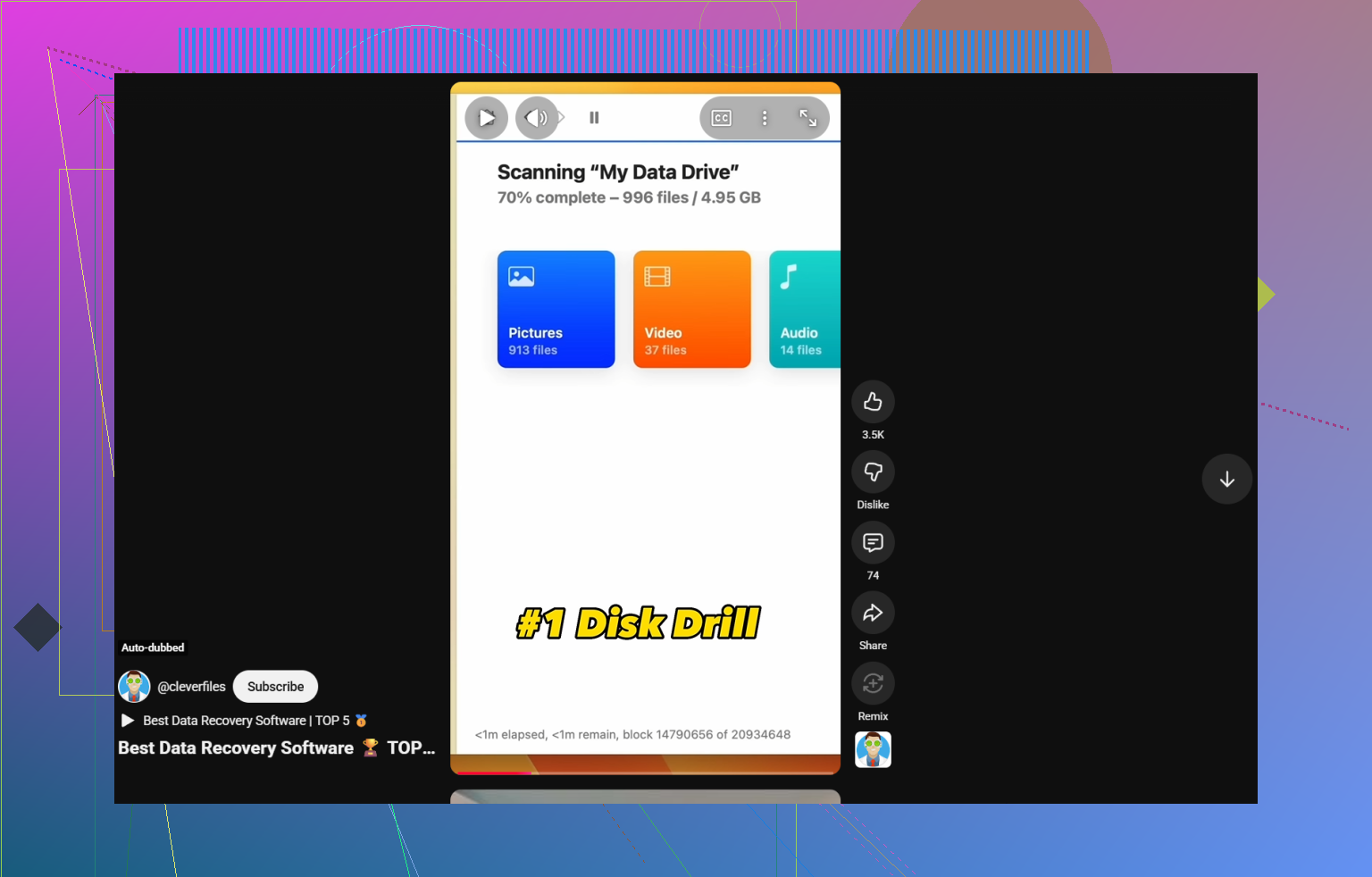
If you want a clean data recovery tools comparison for deleted files, formatted drives, USB sticks, and SD cards, this quick video helps: best data recovery software for deleted files
My pick stays Disk Drill unless you’re dealing with RAID, NAS, or Linux partitions. Then I’d look at heavier tools first. For plain accidental deletion on Windows, Disk Drill is the easiest place to start, imo.
I mostly agree with @mikeappsreviewer and @ombrasilente, but I’m gonna push back a little on Recuva being worth much in 2026 unless the deletion was super recent and the drive is healthy. It’s fine for easy wins, not much more.
If you want the best data recovery software for deleted files on Windows right now, Disk Drill is probly the safest first try for normal people. Not because it’s magic, but because it handles the common disaster stack pretty well: deleted files, emptied Recycle Bin, USB sticks, SD cards, and some partition weirdness without making you feel like you need a certification first. The preview feature is a big deal too. If I can’t preview at least some of the files, I don’t trust the scan much.
That said, if this was an SSD, your odds may already be worse because of TRIM. People skip that part all the time. If it was a regular HDD, recovery chances are usually better.
My take:
- Disk Drill: best all-around deleted file recovery software for Windows
- R-Studio: stronger for nerdier/advanced cases
- PhotoRec: ugly, chaotic, but sometimes saves the day when filenames are already toast
- Windows File Recovery: free, but honestly kind of a pain unless you like command line stuff
One thing I’d add that they didn’t really lean on enough: if the deleted files were docs/photos from a known folder, sort results by file type and modified date first. Saves a ton of time versus digging through thousands of RAW recoveries.
Also, if you want more real-world opinions, this thread has a pretty solid roundup of Facebook community picks for the best file recovery software.
Short version: for accidental deletion on Windows, I’d start with Disk Drill. If that finds nothing useful, then move to PhotoRec or R-Studio depending how messy the situation is.
I’m slightly less sold on Windows File Recovery than @mikeappsreviewer, and a bit less generous to Recuva than @ombrasilente and @sognonotturno. For emptied Recycle Bin cases on Windows, I’d usually test Disk Drill first, then move on if the preview looks bad.
Disk Drill pros
- Very fast to understand
- Good previews, which matters more than people admit
- Handles deleted files, USBs, SD cards, and some partition issues in one place
- Less trial-and-error than command line tools
Disk Drill cons
- Free recovery limit on Windows is small
- Not my first choice for RAID or weird enterprise setups
- Deep scans can return a lot of clutter, so results still need filtering
My actual disagreement with the usual rankings: PhotoRec deserves more respect when the file system is trashed. It’s ugly, yes, but sometimes ugly wins. You lose names and folders, but not always the data.
So my order for normal deleted-file panic:
- Disk Drill
- PhotoRec
- R-Studio
- Recuva
If this was an SSD, odds may be rough because of TRIM. If it was a hard drive, your chances are usually better.